
Get DoneThat
Choose your operating system and get the right desktop build. You can switch versions below.
Select your operating system
Recommended build
Standard x64 build
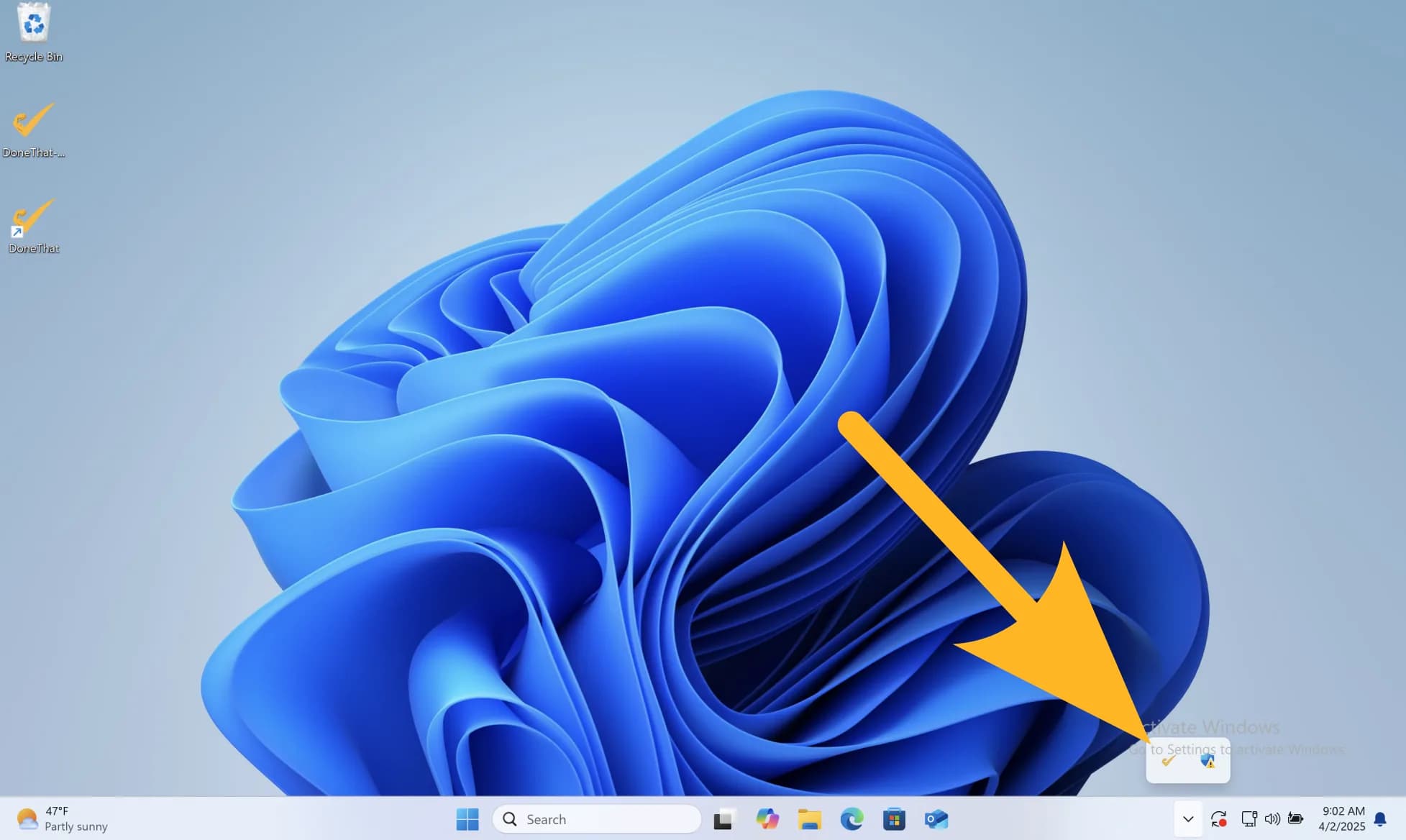
After installing, the app runs in your tray
Questions?
Need help getting started? Check out the support page.
Explore related pages
Feature Overview
Explore DoneThat features for AI time tracking, automatic summaries, productivity coaching, privacy controls, and team visibility.
ExploreInstall on Linux
Install the DoneThat Linux app and get started with AI time tracking, automatic summaries, and productivity coaching.
ExplorePrivacy
Learn how DoneThat protects your data with privacy controls, secure architecture, local capture options, and AI data handling.
Explore