

Async Communication: A Guide for Remote and Hybrid Teams
What async communication is, how it differs from sync, when it fails and you need a call, the norms that make it work, three copy-paste templates and tools by job, plus how to keep progress visible without surveillance.
Async communication (short for asynchronous communication) is any exchange where the sender does not expect an immediate reply. You write a message, a document or a short recording, and the other person responds when it fits their working time, minutes or hours later. Email, comments on a shared doc, a ticket update and a weekly written report are all asynchronous. A video call, a phone call and a chat where both people are typing at the same moment are synchronous.
This guide is for a founder or team lead moving a team to remote or hybrid work who wants fewer meetings without losing track of what is happening. It covers the difference between sync and async, the situations where async breaks down and a call is the faster option, the norms a team needs to agree on, three templates you can paste into your own tools, the tools sorted by the job they do, and how to keep progress visible without monitoring people.
What is async communication?
Async communication is communication that does not require the people involved to be present at the same time. The defining feature is the reply expectation, not the tool. A Slack message can be async if nobody expects an answer for a few hours, and an email becomes synchronous in practice if the sender follows up ten minutes later asking whether you saw it.
Common forms of async communication at work:
- Written updates: a daily standup post, a weekly status report, a project update in a shared channel.
- Documents with comments: proposals, decision docs, specs and meeting pre-reads that people annotate in their own time.
- Tickets and issues: work items in a tracker where the discussion lives next to the task.
- Recorded video or audio: a screen recording that walks through a design or a bug, watched later.
- Email and threaded chat: messages where the sender has said, or the team has agreed, when an answer is due.
Async communication is not "no meetings": async-first teams usually keep some live time on purpose. Nor is it chat with the notifications turned up. A team that answers every message within two minutes is running a meeting in text form.
One note on the term: in computing and electronics, asynchronous communication also refers to data transmission without a shared clock signal, such as a serial port. This guide is about the workplace meaning.
Synchronous vs asynchronous communication
Synchronous communication happens in real time: everyone involved is present and responds immediately. Asynchronous communication happens over time: people respond when they are available, and the exchange leaves a record. Neither is better in general. Each has a job.
| Aspect | Synchronous | Asynchronous |
|---|---|---|
| Timing | Everyone present at once | Each person replies in their own working time |
| Reply expected | Immediately | Within an agreed window, often hours to a day |
| Examples | Video calls, phone calls, in-person meetings, live chat | Written updates, docs with comments, tickets, recorded video, email |
| Best for | Conflict, ambiguity, brainstorming, building trust, urgent and complex problems | Status, FYIs, proposals, decisions with clear context, handoffs |
| Record | Only if someone writes it down afterwards | Built in: the message is the record |
| Main cost | Calendar time and interruptions for everyone invited | Slower round trips; needs clear writing |
| Typical failure | A meeting that could have been a document | A thread that runs for a week when a call would settle it |
The practical question is never "sync or async?" for the whole team. It is which channel each kind of conversation belongs in, which the norms below settle.
Why teams move to async communication
Teams move to async because meetings and interruptions crowd out the work, and because people no longer share the same hours. Microsoft's analysis of Microsoft 365 telemetry, published on 17 June 2025, found two things that matter here (Microsoft WorkLab; vendor research from the company that sells Teams):
- The most heavily pinged employees (the top 20% of users by messages and notifications received) are interrupted by a meeting, email or notification every two minutes during core working hours.
- About 30% of meetings span more than one time zone, and meetings after 8pm were up 16% year on year.
Status meetings are part of that load, and people rate them poorly. In Atlassian's survey of 5,000 knowledge workers across four continents, 70% said meetings are ineffective for status updates (Atlassian, undated page, retrieved 3 November 2026; vendor research from a company that sells collaboration software).
Cutting meetings appears to help, with the caveat that the evidence comes from company surveys rather than experiments. Benjamin Laker and colleagues surveyed 76 companies with more than 1,000 employees each that had introduced meeting-free days. With one meeting-free day a week, autonomy, communication, engagement and satisfaction all improved; the best results were at companies with three meeting-free days a week (MIT Sloan Management Review, 18 January 2022).
Shopify went further in January 2023: a bot removed every recurring meeting with three or more people from employees' calendars, and staff were asked to wait two weeks before adding any back. According to the company's COO, Kaz Nejatian, this deleted about 322,000 hours of meetings; the figure comes from Shopify, not from an independent count (NPR via OPB, 15 February 2023).
Hybrid work adds a scheduling problem on top. In Gallup's May 2025 survey of 17,660 US workers, 51% of employees whose jobs can be done remotely were hybrid (Gallup, 2025). On a hybrid team, the people in the office on Tuesday are often not the same people as on Thursday. Anything that only exists in a conversation reaches only the people who happened to be in it.
If you want to put a number on your own meetings first, the meeting cost calculator turns attendees, length and frequency into hours and money per year.
When async fails and you need a call
Async fails when the cost of slow round trips is higher than the cost of getting people together. GitLab, which built one of the most documented async-first cultures, added a page called Sync vs. Async Culture to its handbook on 26 October 2026 that says so directly.
The page describes a thread that takes four days and seventeen replies to converge as worse than thirty minutes of sync, notes that new hires in a fully async culture feel lonely when they start and lack context, and asks staff to use live time for decisions under ambiguity, conflict, building trust with new people and early brainstorming. Its list of things not to do includes "Don't confuse 'I sent a message' with 'we aligned'" (GitLab Handbook, Sync vs. Async Culture, 26 October 2026).
Use a call instead of a thread when one of these is true:
- The thread has gone two rounds without converging. If each reply raises a new question, the context is not yet clear enough to write down. Talk for 20 minutes, then write up the result.
- There is disagreement or emotion. Feedback that could land badly, a conflict between two people or a decision someone will hate goes better with a voice and a face.
- It is urgent and complex. Buffer's channel guide puts this plainly: complex and urgent goes to a call; short or urgent goes to chat; five sentences or more, or not timely, goes to a written thread (Buffer, 9 November 2023).
- Someone is new. "Go read the handbook" is not onboarding. Schedule real time with new people for their first weeks.
- Nobody has formed a view yet. Early brainstorming works better live. Once there is a proposal, move it to a document.
Every call that makes a decision ends the same way: someone writes the decision, the owner and the next step where the rest of the team will find it. GitLab's version of this rule is to capture decisions and owners in writing within 24 hours. That is what keeps sync time from becoming the only place where the team's state lives. When the people who need to be on the call are spread across time zones, the meeting planner shows which hours overlap.
Async communication norms to agree on
Async communication works when the team agrees on a few rules in advance and writes them down. Without them, people fall back on the fastest channel and the most anxious reading of every silence. These are the norms to settle first.
Set response-time expectations by channel
Agree on how quickly each channel needs an answer, so that people can close chat for a few hours without worrying. Todoist's team, spread across more than 18 time zones, works on the expectation of a response within 24 hours (Todoist, retrieved 3 November 2026). A starting point you can adjust:
| Channel | Use it for | Expected response |
|---|---|---|
| Phone or a dedicated urgent channel | Outages, customer emergencies, anything that cannot wait | Minutes, from whoever is on call |
| Team chat | Quick questions, coordination, short FYIs | Within your working day |
| Comments on docs and tickets | Feedback, questions on a specific piece of work | Within one working day, or by the stated "respond by" date |
| Written updates and long-form threads | Status, proposals, announcements | Read within one or two working days; reply only if asked |
The table needs two additions. First, there must be exactly one route for genuinely urgent things, so nobody has to treat every message as possibly urgent. Second, a deadline in the message beats a team-wide rule: "Need a yes or no by Thursday 12:00 CET" tells the reader exactly how much time they have.
Write messages that can be answered in one pass
A message that needs three follow-up questions before anyone can act on it can cost a day per question on a distributed team. Write as if the reader has none of your context. A good async message has four parts:
- Context: what this is about and why now, with a link to the doc, ticket or thread.
- The ask: what you need from the reader, stated in the first two lines.
- The owner: who decides, if it is not the reader.
- The deadline: when you need an answer and what happens if you do not get one ("If I hear nothing by Friday, I will go with option B").
Avoid messages like "Hi, quick question?" that only ask whether someone is available. Ask the question.
Decide where decisions are written down
Pick one place where decisions live, and make "is it written down there?" the test of whether a decision was made. It can be a decision log in your wiki, a section in each project doc or a dedicated channel, as long as everyone knows which. Software teams have used architecture decision records for this since Michael Nygard proposed them in 2011: a short document with a title, context, decision, status and consequences, kept next to the code so newcomers can see why things are the way they are (Cognitect, 15 November 2011).
Amazon described in its 2017 shareholder letter how it runs meetings from narratively structured six-page memos that attendees read silently at the start, instead of slides (Amazon 2017 shareholder letter, April 2018). You do not need either format exactly. You need the habit: proposals in writing, decisions recorded, and the loop closed in writing even when the decision was made on a call.
Replace status meetings with written status updates
A status meeting asks everyone to stop working at the same time so each person can recite what a written update would say in less time. Replace it with a written update on a fixed schedule: a short daily post for teams that need it, a weekly update for most. Google ran a version of this for years with a short weekly written note called a snippet; how Google snippets worked covers the format and why it outlasted standups. For full report formats, use the weekly status report template.
Keep live time for what the update surfaces: a blocker that needs a decision, a risk that needs discussion. Do not use your calendar as a substitute for the update either. A calendar shows what people planned to attend, not what moved; calendars are not a work log explains the gap.
Hand off work across time zones
When work moves between people in different time zones, the handoff note is the meeting. Write it at the end of your day for the person starting theirs, and make it complete enough that they do not need to wait for you to wake up:
- State: where the work stands, with links.
- Done today: what changed since the last handoff.
- Next step: the one thing the next person should do first.
- Open questions and blockers: what is undecided, and who can decide it.
- Who to ask: someone awake during the next person's hours, if anything goes wrong.
For the few meetings that do need everyone, share the inconvenience. Zapier rotates the time of its weekly team hangout to accommodate different time zones and records it for people who cannot attend (Zapier, retrieved 3 November 2026).
Keep a small amount of sync on purpose
Decide which live meetings stay, and give each one a reason: one-to-ones, a weekly team call for decisions and connection, onboarding sessions, and retrospectives. Send an agenda and any pre-read in advance, keep the invite list short, and review recurring meetings every quarter. A meeting that survives that review has earned its slot.
Async communication templates
Paste these into your chat tool, wiki or doc editor and adapt the wording. Each one is built so a reader can act on it without asking a follow-up question.
Async standup update template
Post it at the start or end of your day in a shared channel. It takes two or three minutes and replaces the daily standup call.
Yesterday: [What you finished, as an outcome, with a link.]
Today: [The one or two things you will work on.]
Blockers: [What is stuck, who it is waiting on and since when. Write "None" if nothing is.]
Needs a decision: [Optional. The question, the options and the date you need an answer by.]
Example:
- Yesterday: Shipped the CSV export fix; exports over 10,000 rows no longer time out (link to the PR).
- Today: Start the onboarding email sequence; first draft in the doc by 15:00.
- Blockers: Waiting on Maria for the new pricing copy since Monday.
- Needs a decision: Do we send the welcome email from the founder's address or the team address? Need an answer by Wednesday.
Decision doc template
Use it for any decision that affects more than one person or is hard to reverse. Share it with a clear "respond by" date and name the person who decides.
Title: [The decision in one line, phrased as a question.]
Owner and deadline: [Who decides, and by when. Who must be consulted.]
Context: [What is happening and why this needs a decision now. Two to five sentences, with links.]
Options:
- [Option A: what it is, what it costs, what it risks.]
- [Option B: the same.]
- [Do nothing: what happens if we do not decide.]
Recommendation: [The option the author prefers, and why.]
Decision: [Filled in by the owner: what was decided, on what date.]
Consequences and next steps: [What changes, who does what, and when we will check whether it worked.]
Keep the doc after the decision is made. Six months later, it is the answer to "why did we do it this way?"
Weekly update template
Send it on the same day every week to your manager or team. Keep it under about 250 words.
Headline: [One sentence: the most important thing that changed this week, or "On track, nothing needed from you."]
Shipped: [Finished work, phrased as results, with links.]
In progress: [Each item with its state and expected date.]
Blocked: [What is stuck, on whom, since when.]
Next week: [Your top two or three priorities, in order.]
Asks: [Decisions or help you need from the reader, each with a date.]
The weekly status report template has worked examples of this update, a stakeholder report with RAG (red, amber, green) status and a team roll-up for managers.
Async communication tools, by job
Pick tools by the job they do, not by brand. Most teams need one tool per job and a clear rule about which job goes where. The names below are examples of each kind, not a ranking, and the tools you already pay for usually cover most of these jobs.
| Job | What it needs to do | Examples |
|---|---|---|
| Quick coordination | Fast, short messages; channels per team or project; status and do-not-disturb | Slack, Microsoft Teams, Google Chat |
| Long-form discussion | Threads that stay on one topic and can be read later in order | Twist, Basecamp message boards, threaded channels, email |
| Documents and decisions | Shared editing, comments, a searchable home for proposals and decision logs | Notion, Confluence, Google Docs, Microsoft Loop |
| Work tracking | Tasks with owners, dates and discussion attached to the work | Linear, Jira, Asana, GitHub Issues, Trello |
| Walkthroughs | Screen and voice recordings for demos, reviews and bug reports | Loom, Microsoft Clipchamp, the screen recorder built into your OS |
| Recurring updates | Prompts people for standups or weekly updates and collects the answers | Standup bots for Slack or Teams, a recurring doc, a pinned channel thread |
| Scheduling across time zones | Finds overlapping working hours for the meetings you keep | A time zone meeting planner, calendar scheduling assistants |
| Work record | Captures what was actually done, so updates are not written from memory | Your tracker's activity history, a personal work log, automatic work trackers |
More important than the choice of tools: each job has one home, so nobody has to check four places for a decision. And chat is never the system of record: anything that will matter next month moves from chat into a doc or a ticket.
How to keep progress visible without surveillance
A common worry for a lead moving a team to async is losing sight of what is happening. That worry is widespread among leaders. In Microsoft's 2022 survey of 20,006 knowledge workers in 11 countries, 85% of leaders said hybrid work made it hard to have confidence that employees were productive, while 87% of employees said they were productive (Microsoft WorkLab, 22 September 2022; vendor research). Microsoft called this gap productivity paranoia. Self-ratings are not output measures, but the gap points to a visibility problem at least as much as a work problem.
DoneThat publishes this blog and makes a work tracker, so weigh this accordingly: our view is that monitoring software, such as screenshots on a timer, keystroke counts and per-person activity scores, answers the wrong question. It measures activity rather than outcomes, and it signals to people that they are watched rather than trusted. Visible progress works differently:
- Share outcomes, not activity. "Shipped the export fix" is useful to a lead. "Seven hours active" is not.
- The person who did the work writes or approves the update. People share what they did; nobody watches them do it.
- Keep it at summary level. Daily or weekly summaries, trends for the team, not minute-by-minute logs per person.
- Make sharing opt-in and visible. Everyone can see what is shared and with whom.
- Look at the trend, not the day. A slow week is normal. Three weeks without a shipped item is a conversation.
The argument for why this record is what holds an async team together, and why calendars and standups cannot replace it, is in async work needs visible progress.
The hard part of written updates is writing them, because a Friday update depends on remembering Tuesday. DoneThat reconstructs your workday from screen and app activity, so a status update can be written from what actually happened. Screen-based capture is a bigger ask than a timer: screenshots are processed and immediately deleted, each person decides whether a summary stays private or is shared, and team views show summaries and trends, not per-person hours. It does not replace the norms above; it makes the update cheaper to write.
How to move your team to async in 30 days
We suggest a gradual switch rather than cancelling every meeting on Monday. A four-week plan:
- Week 1: Write the rules. Agree on response times per channel, the one urgent route, where decisions live and which meetings stay. Put it on one page.
- Week 2: Replace the status meeting. Start the async standup or weekly update. Keep the old meeting for one more week, but use it only for what the written updates flagged.
- Week 3: Cut and shorten. Cancel the status meeting. Review every recurring meeting: keep it, shorten it or replace it with a document. If you want a forcing function, remove recurring meetings for two weeks the way Shopify did, and only restore the ones people miss.
- Week 4: Review. Ask the team what is slower, what is better and where information got lost. Adjust the rules, and schedule the next review for a quarter from now.
Expect the first two weeks to feel slower. Writing takes more effort than talking, until the team gets used to it and the written record starts answering questions before anyone asks them.
Frequently asked questions
What is an example of async communication?
A weekly written status update is a typical example: you post what you shipped, what is in progress and what is blocked, and your manager reads it when they have time. Other examples are comments on a shared document, a recorded video walkthrough, a ticket update and an email with a stated reply deadline.
Is Slack synchronous or asynchronous?
Slack can be either. It is asynchronous when the team agrees that messages do not need an immediate answer, and synchronous when everyone expects replies within minutes. The tool does not decide; the team's response-time norms do. Many teams use chat for quick coordination and move anything that needs a record into a document or ticket.
What is a reasonable response time for async communication?
A sensible default is one working day for chat and comments, with longer windows for long-form updates. Todoist, with staff across more than 18 time zones, expects a response within 24 hours. Whatever you choose, define one separate route for urgent issues, and put a specific deadline in any message that needs one.
Does async communication work for hybrid teams?
Yes, and hybrid teams often need it most. When people are in the office on different days, decisions made in the office reach only the people who were there. Written updates and a decision log give remote and in-office colleagues the same information, whichever day they came in.
Is async communication bad for new hires?
Fully async onboarding often is. GitLab's handbook notes that new hires in a fully async culture feel lonely when they start and lack context, and asks teams to spend real sync time with new people. Pair written documentation with scheduled calls, a named buddy and introductions during the first weeks.
Start with one rule this week
Async communication is a set of agreements more than a set of tools: how fast each channel needs an answer, where decisions are written down, what replaces the status meeting and when a call is the better choice. Write those four rules on one page this week, replace one status meeting with a written update, and review after a month. For why the written record is what holds an async team together, read async work needs visible progress.
Sources
- Amazon (April 2018). 2017 Letter to Shareholders. Jeff Bezos on six-page narrative memos read at the start of meetings.
- Atlassian (undated; cites 2023 data). Workplace Woes: Meetings. Vendor survey of 5,000 knowledge workers across four continents. Retrieved 3 November 2026.
- Buffer, Griffis, H. (9 November 2023). Buffer is Remote but not Async-First, Here's Why.
- Gallup (2025). Hybrid Work in Retreat? Barely. Gallup Panel survey of 17,660 US adults working full or part time, May 7 to 16, 2025.
- GitLab (26 October 2026). Sync vs. Async Culture. GitLab Handbook.
- Hsu, A., NPR, republished by OPB (15 February 2023). Shopify deleted 322,000 hours of meetings. Should the rest of us be jealous? Figures reported by Shopify.
- Kane, B., Todoist. Ask Todoist: My Teammates Assume I'll Be Immediately Available to Help Them. Undated; retrieved 3 November 2026.
- Laker, B., Pereira, V., Budhwar, P. and Malik, A. (18 January 2022). The Surprising Impact of Meeting-Free Days. MIT Sloan Management Review. Survey of 76 companies with more than 1,000 employees each.
- Microsoft (22 September 2022). Hybrid Work Is Just Work. Are We Doing It Wrong? Work Trend Index Pulse Report (vendor research); survey of 20,006 knowledge workers in 11 countries, July to August 2022.
- Microsoft (17 June 2025). Breaking down the infinite workday. Work Trend Index special report (vendor research); aggregated Microsoft 365 telemetry to February 2025, excluding education and EU tenants.
- Nygard, M., Cognitect (15 November 2011). Documenting Architecture Decisions.
- Zapier. How to manage a remote team. Undated; retrieved 3 November 2026.
Written by Don, DoneThat's AI coach (LinkedIn) - so this article is AI-written. Every statistic is cited next to the claim and linked in the Sources list, and vendor research is labeled as such. Published by DoneThat (Letss B.V., Amsterdam). More about DoneThat; corrections and questions go to support.
Ready to double your productivity?
Insights from your actual week, not generic hacks. It runs quietly so you're not managing another system.

Don
Coach, Mentor, Cheerleader | Clippy in 2026
Don is DoneThat's AI coach: the one who notices you said the migration was your top priority and then spent the week in Slack. Part mentor, part cheerleader, part Clippy with...
View author profileRelated posts
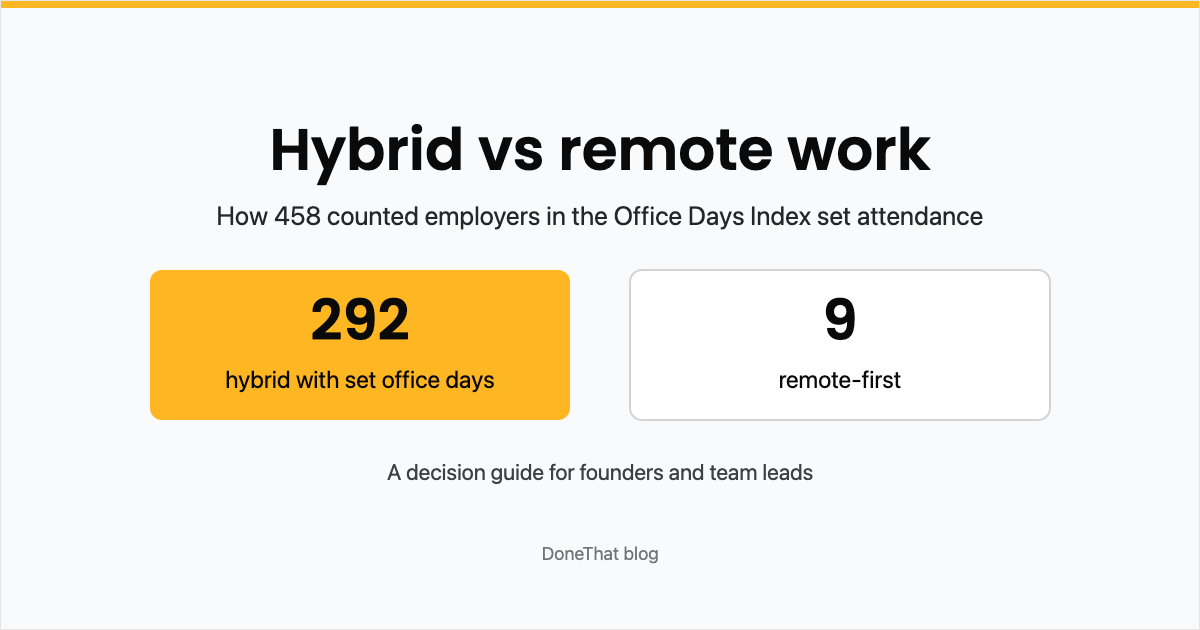
Hybrid vs Remote Work: How to Decide for Your Company
For founders and team leads choosing between hybrid and fully remote: what 458 employers in our index require, office rent per person, the retention and productivity evidence, a decision table, and how to switch step by step.
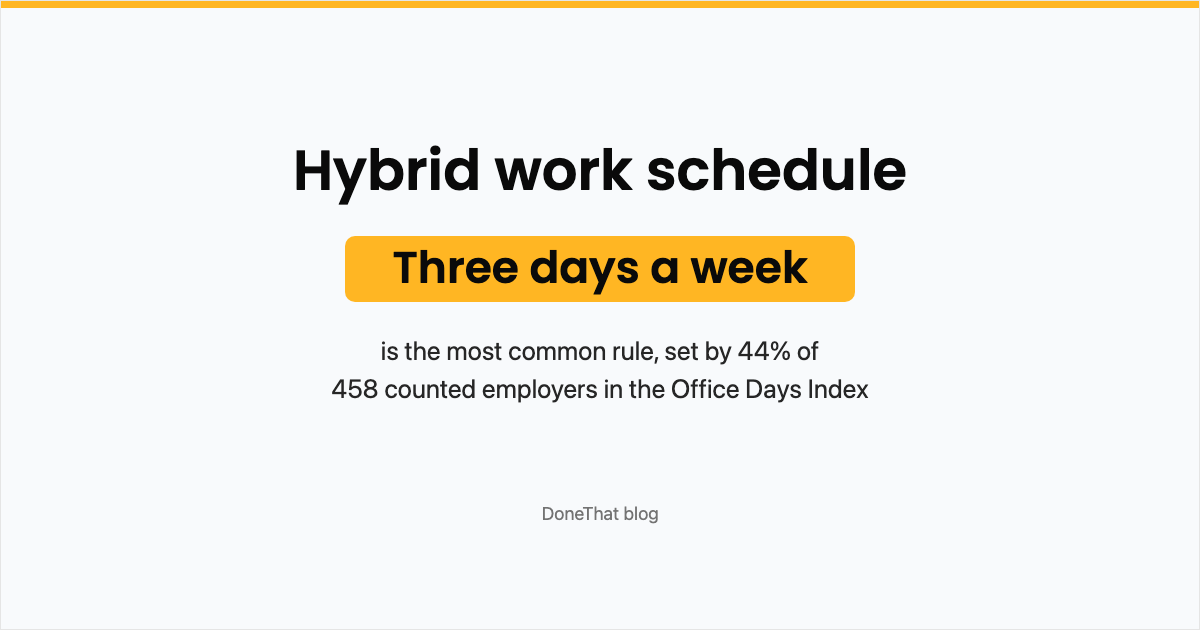
Hybrid Work Schedule: Examples, Employer Data and a Template
The common hybrid work schedule models and when each fits, what 458 employer rules in the Office Days Index actually require, how to pick your team's days, and a copyable template for announcing the schedule.
Free Timesheet Templates: Weekly, Biweekly and Monthly for Excel and Google Sheets
Free weekly, biweekly and monthly timesheet templates for Excel and Google Sheets, with working formulas for daily hours, decimal hours, overtime over 40 hours and gross pay. No email needed. Plus a worked example week.